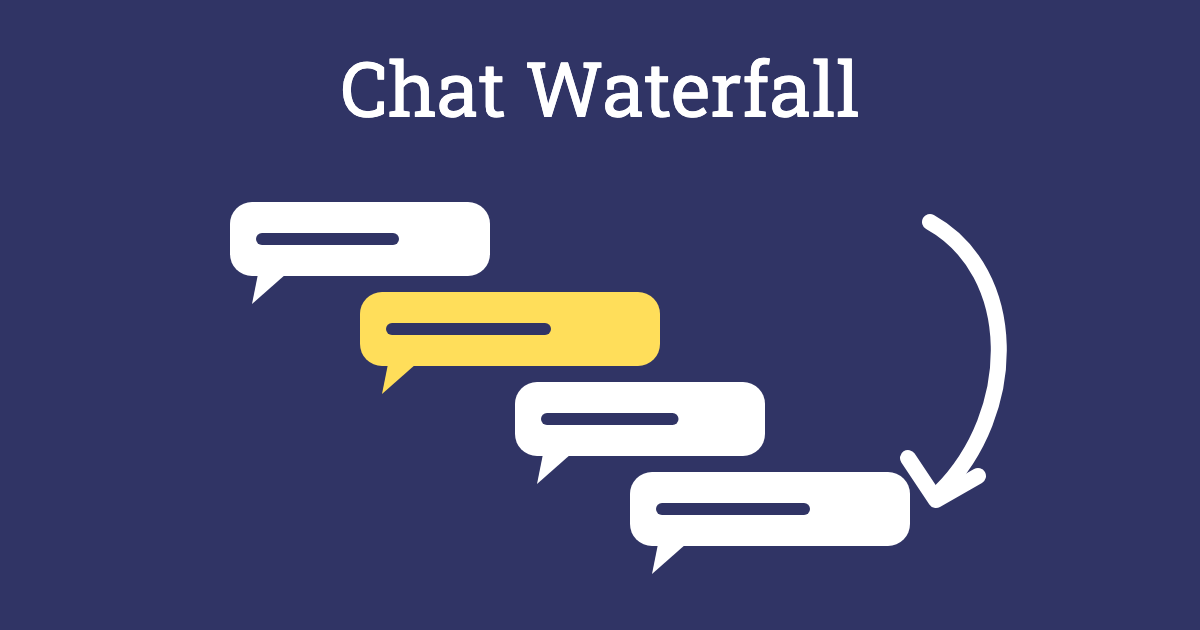
The Chat Waterfall is the simplest way to hear from everyone in an online session at once. You ask a question, everyone types their answer in the chat, but nobody presses Enter until you say “go”. Then all the answers arrive together in a waterfall of replies.
Holding back stops people copying the first answer that appears, so you get a truer picture of what the group thinks. It’s quick, it works with any number of people, and the rush of messages arriving together adds a bit of energy to a call. Use it to open a session, check understanding or close a topic.
Method
Ask a question, give people time to type, count down, and then read the answers aloud.
Step 1: Ask a short question
Choose a question that can be answered in a few words, and show it on screen as well as saying it. For example:
- “In one word, how are you arriving today?”
- “What do you most want to get out of this session?”
- “What’s one thing you’ll try after today?”
- “On a scale of one to ten, how confident do you feel about this topic?”
Step 2: Type, but don’t send
Ask everyone to type their answer in the chat but not to press Enter yet. Give them 30 to 60 seconds, depending on the question.
Step 3: Count down
Count down from three, then say “Go!” and watch the replies pour in.
Step 4: Read and respond
Read out a selection of answers, using people’s names if that suits the group, and point out any patterns: “Lots of you said tired, which makes sense on a Friday afternoon.” If an answer raises something important, come back to it later.
Outcome
Everyone contributes in a couple of minutes, including people who wouldn’t speak up on the call. You get honest, independent answers rather than a chain of “same as above”, and a quick read of the mood, expectations or understanding in the group.
Tips for Facilitators
- Show people where the chat is: not everyone knows how to open it, especially on a phone. Give a quick pointer the first time.
- Practise once: start with a fun question, such as “What did you have for breakfast?”, so people get the hang of waiting.
- Keep answers short: one word or one sentence works best. Long answers are hard to read as they scroll past.
- Save the chat: the answers make a useful record of the session, so download or copy the chat before the call ends, if your platform allows it and the group agrees.
- Read before you react: pause for a few seconds and let people read the answers for themselves before you comment.
Variations
- One-word check-out: use the waterfall at the end of a session for a One-Word Check-Out.
- Emoji waterfall: ask people to answer with a single emoji, such as the weather that best describes their week.
- Quiz waterfall: ask a question with a right answer to check understanding, then discuss the spread of answers.
- In the room: for in-person groups, ask everyone to write their answer on a sticky note and hold it up at the same time, or stick it on a Graffiti Wall.
Accessibility and Online Sessions
Read the question and a selection of answers aloud for anyone using a screen reader, or who finds the chat hard to follow as it scrolls. Allow more time for people who type slowly or use assistive technology, and let people answer out loud or send their answer privately to the facilitator if they prefer. In a hybrid session, ask people in the room to join the chat on their own device or to hold up sticky notes, so everyone takes part at the same time.